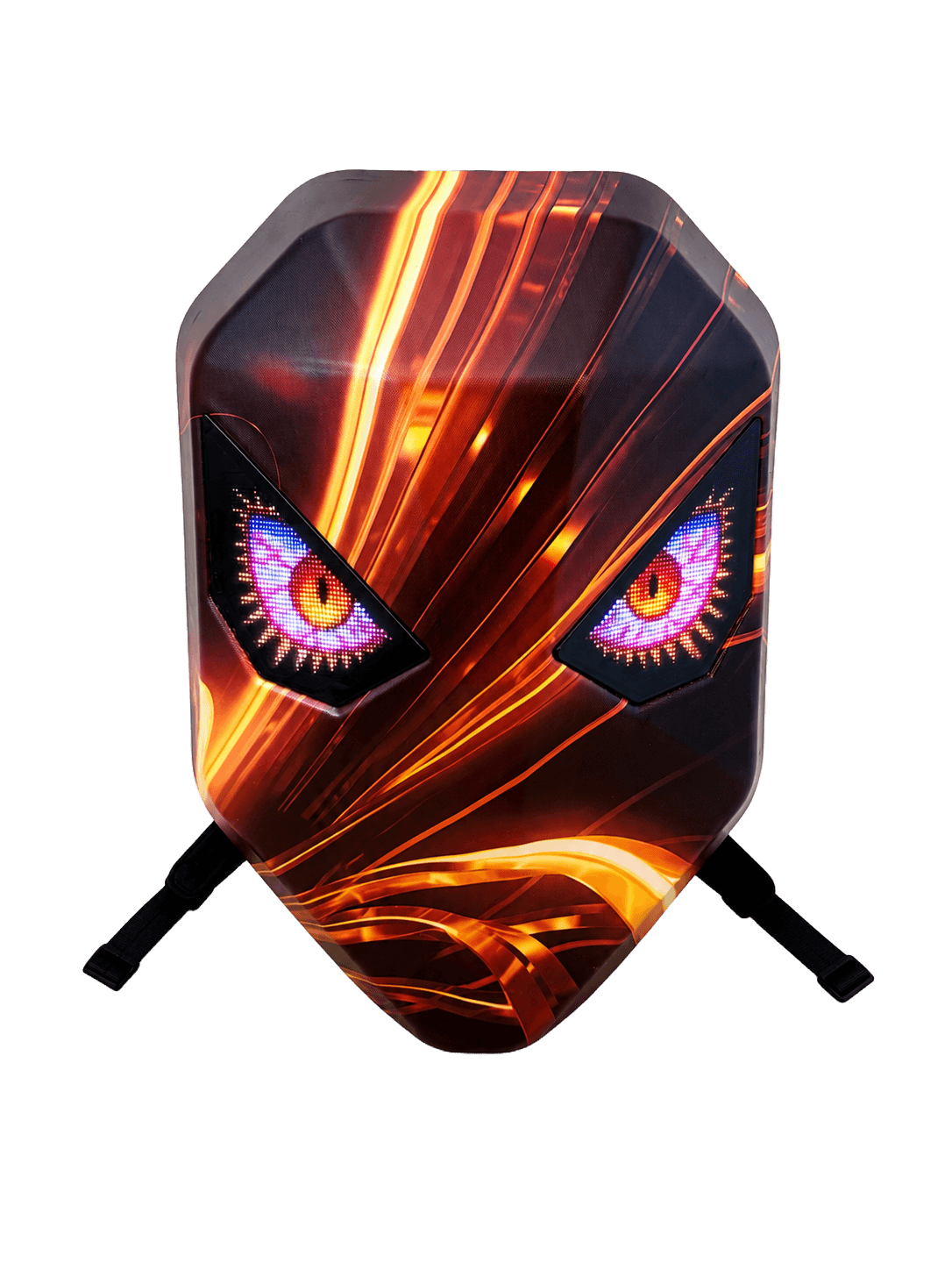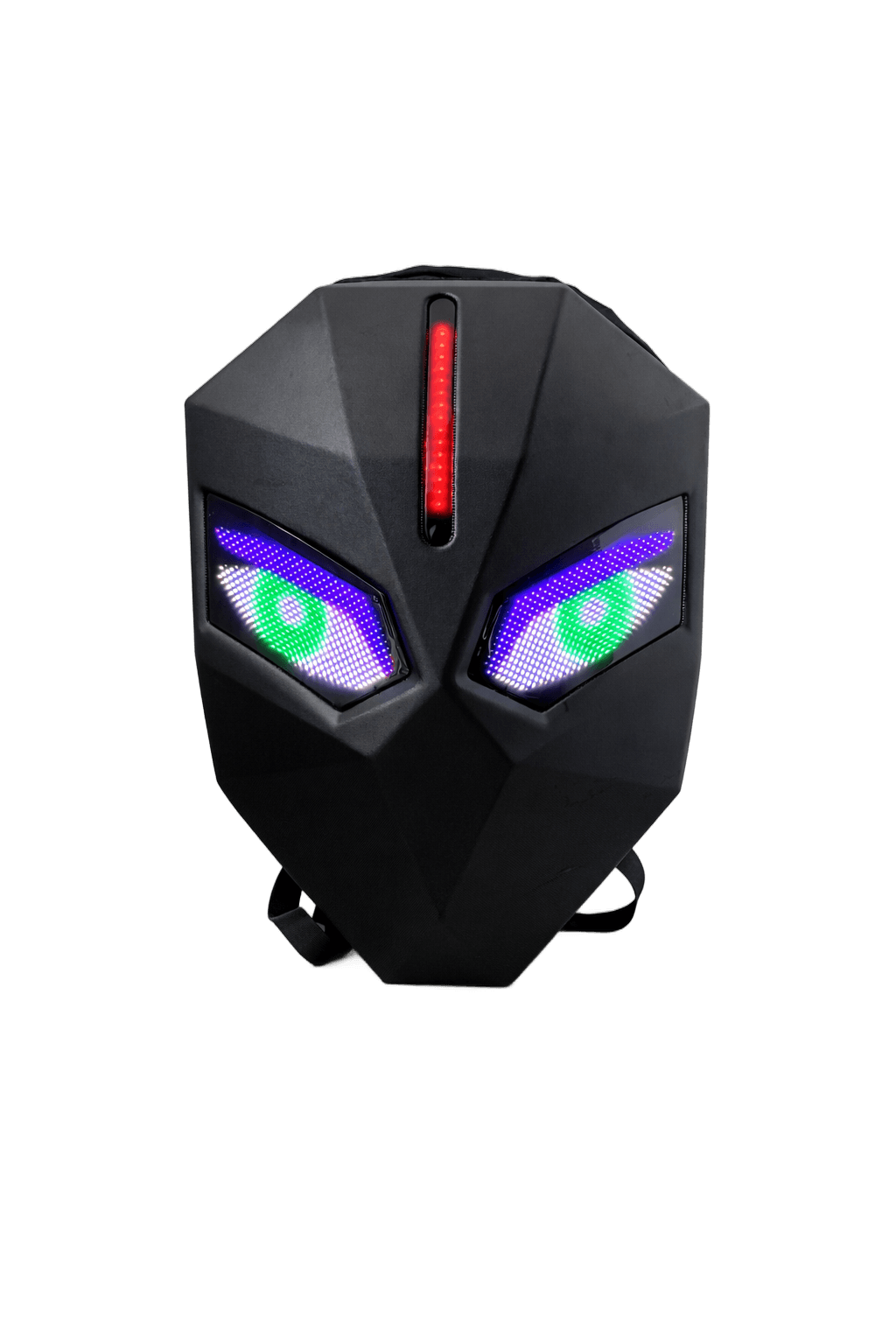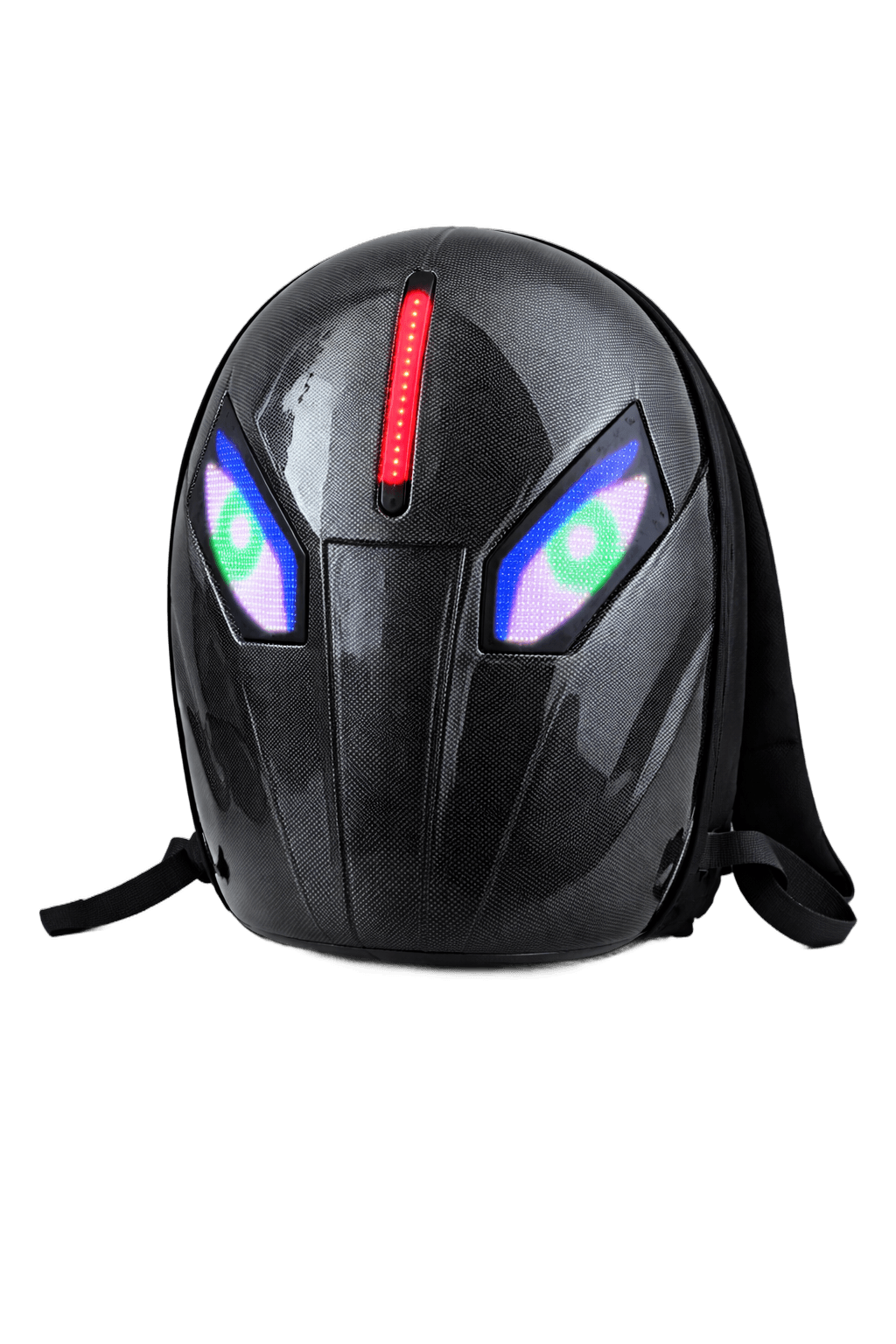
Knight LED Backpack 3260A
Twin reactive eyes. One signal.
The Knight series brings a sculpted helmet silhouette with two large eye panels that animate independently. The 3260A runs at a 32x60 pixel resolution per eye. What's in the box 32 x 60 px dual eye panels Bluetooth + companion app Synced animation modes Reinforced canvas body Specifications Pixels: 32 x 60 dots per eye, full color Size: 50 x 40 x 20 cm Power: External USB-C / USB-A powerbank (not included) Material: ABS shell + canvas body
Powerbank not included. The LED panels run off any standard USB-C or USB-A powerbank you already own. We recommend 5V / 2A or higher for full brightness.
- Free U.S. shipping over $150
- Bluetooth 5.0
- Dual 32 x 60 px full-color LED eye panels
- Bluetooth 5.0 app control
- Independent + synced animation modes
- Reinforced canvas body, ABS shell
- Powered by any USB-C / USB-A powerbank
- Display
- Dual full-color LED eye panels, 32 x 60 pixels per eye
- Size
- 50 x 40 x 20 cm
- Material
- ABS hard shell with reinforced canvas body
- Power
- External USB-C / USB-A powerbank required, not included
- Connectivity
- Bluetooth 5.0 LE app control
- App
- Compatible with iOS 14+ and Android 8+ via the iLED app
- 1x Knight 3260A LED Backpack
- 1x USB-C charging cable for the LED panels
- 1x Quick start guide
- 1x Branded color box
Note: a USB-C / USB-A powerbank is required to power the LED panels and is not included.
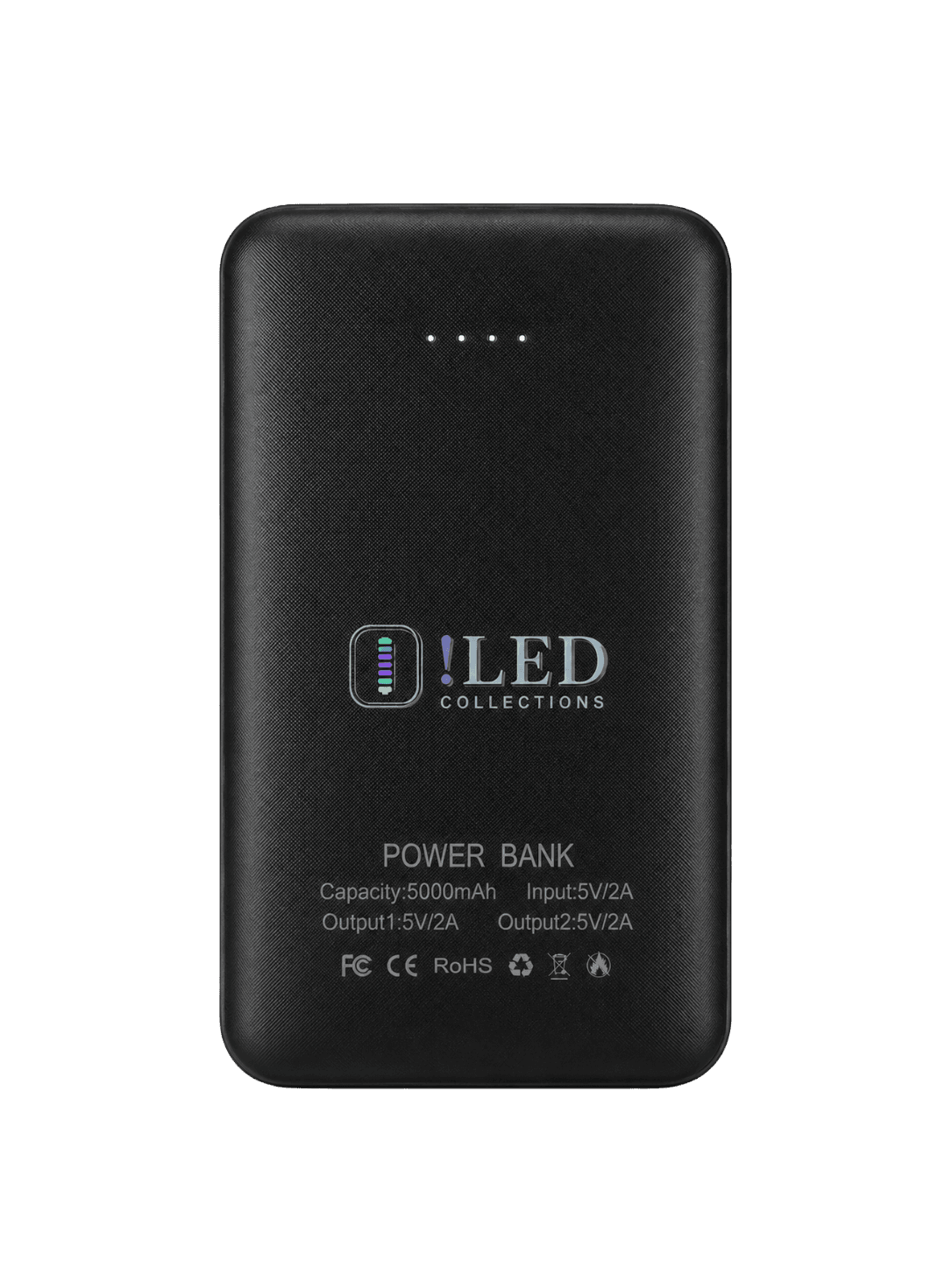
Your bag needs a USB power bank to light up - it isn't included. Add ours so it works out of the box.
This bag turns your look into a moving display.
- Night riders
- Festivals & raves
- Cosplay
- Content creators
- Streetwear
- Skaters
- Anybody, honestly
Five steps from box to lit.
- 01
Plug in your powerbank
Use any USB-C or USB-A powerbank you already own. We recommend 5V / 2A or higher for full brightness.
- 02
Pair over Bluetooth
Power on the panels, open the iLED app, and tap pair. The connection is one-time - the bag remembers your phone.
- 03
Open the iLED app
Browse the built-in animation library, upload your own GIFs and pixel art, or type a live message to display.
- 04
Pick a look
Choose a ready-made effect, drop in your own design, or set up a playlist of animations that loop on schedule.
- 05
Wear it. Light up the night.
Ride, stream, perform, or just walk to dinner. Your bag is now a screen and your phone is the brush.