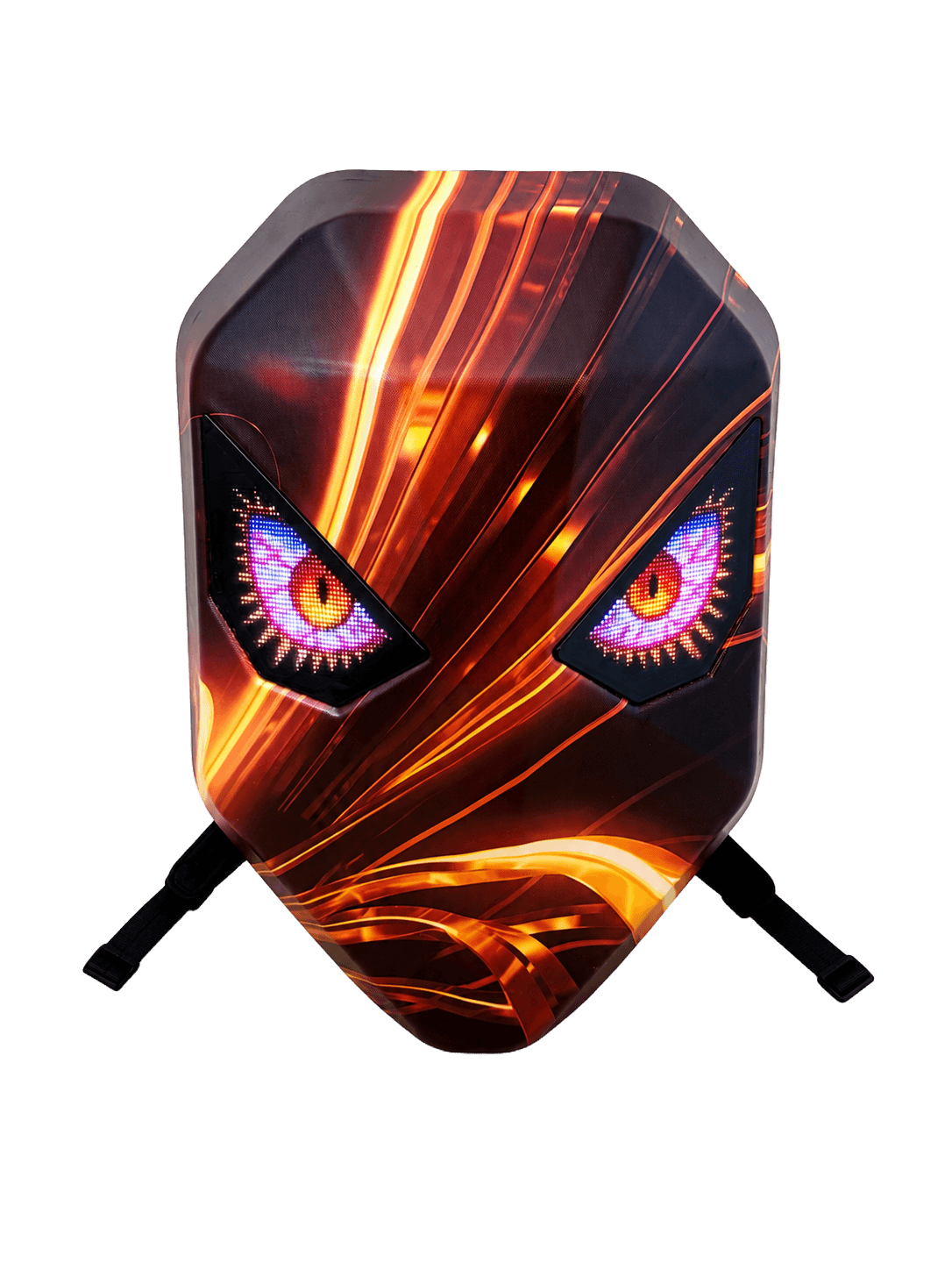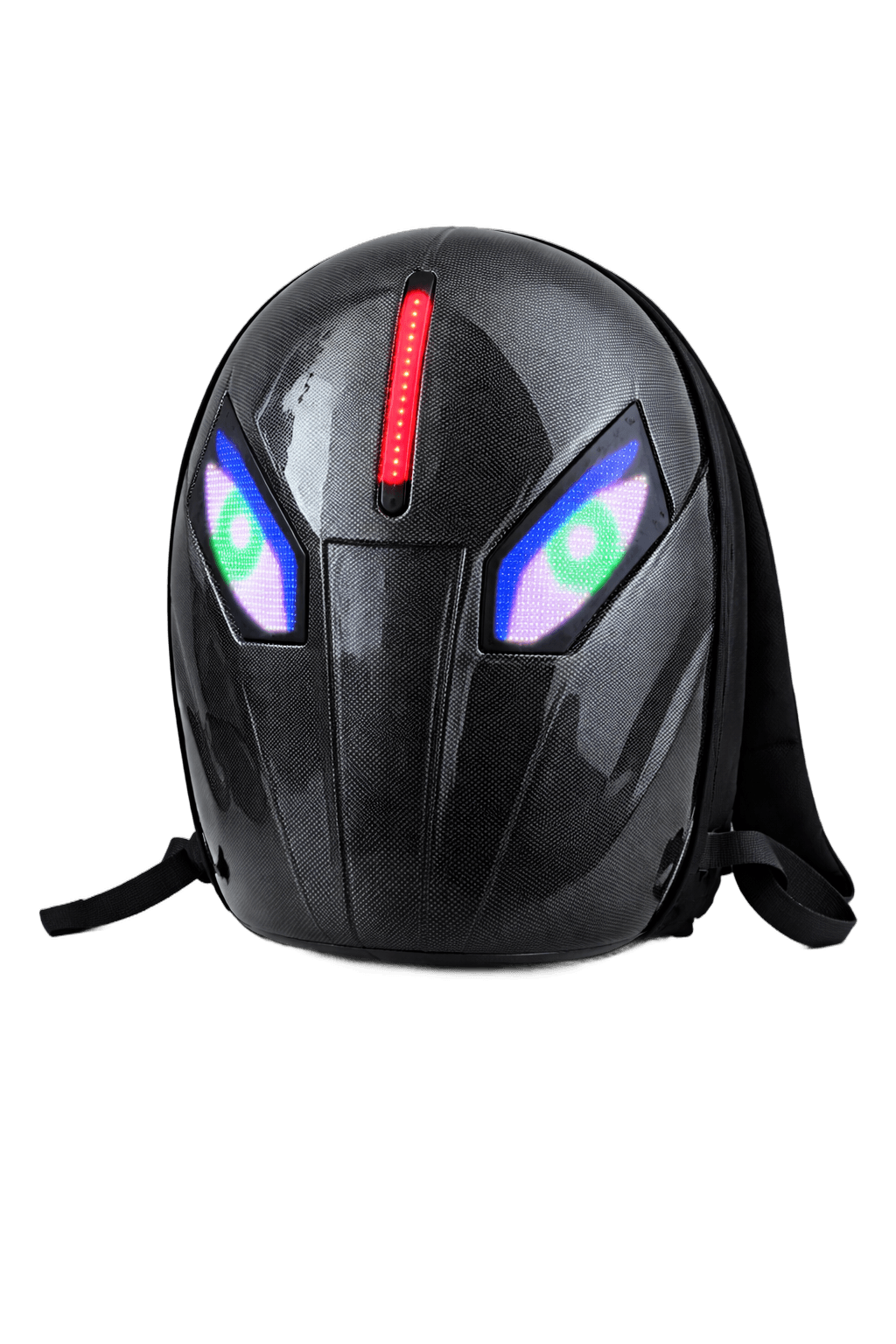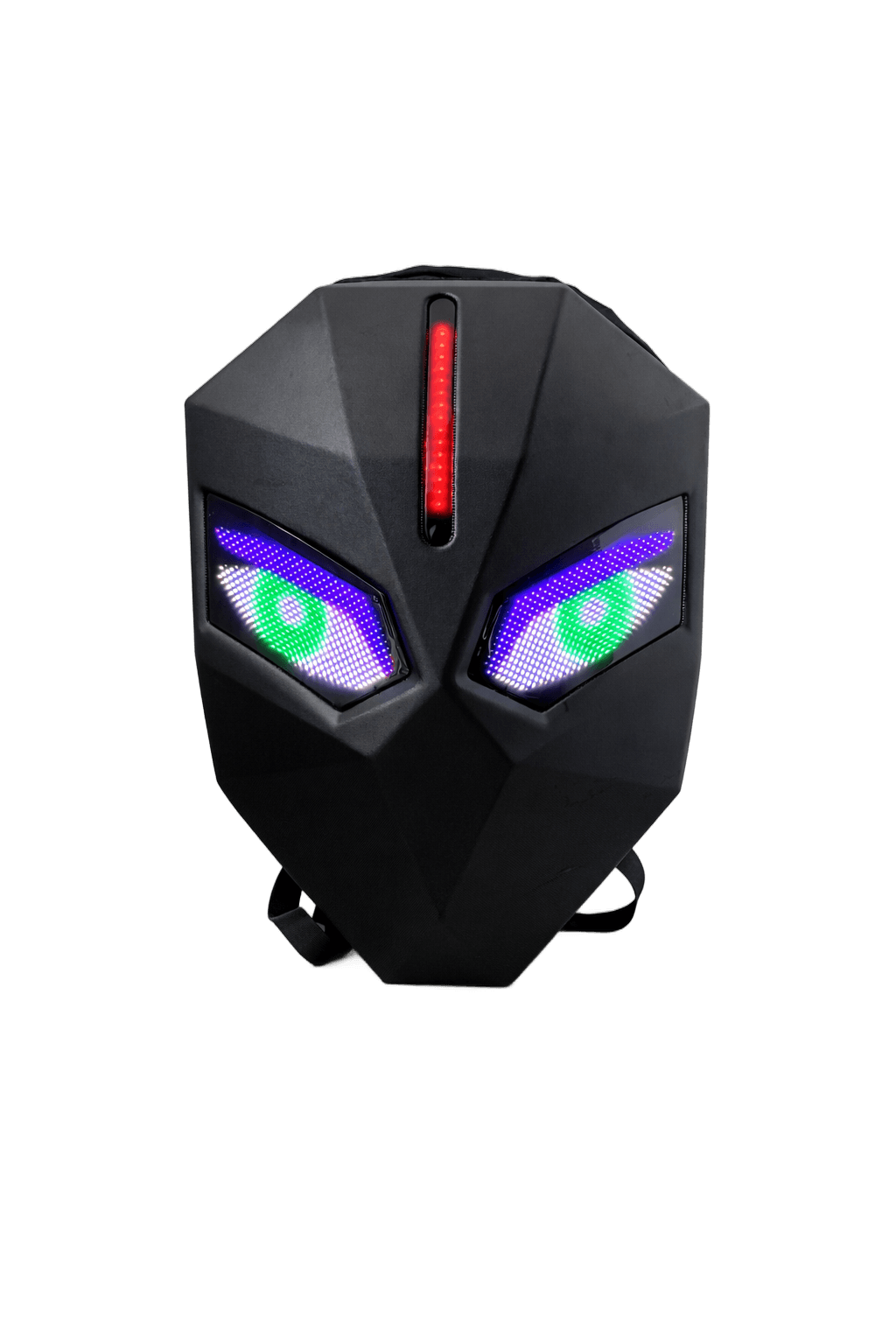
Knight LED Backpack 3260B
Swap masks. Switch identities.
Same chassis as the 3260A, refined for night riders. Includes interchangeable mask faceplates so the same bag can shift identity day to day. Available in Shadow Black, Fiber Black, and Stone Camo. What's in the box Interchangeable mask plates Dual full-color eye panels Bluetooth + app control Tested for moto + cycling Specifications Pixels: 32 x 60 dots per eye, full color Size: 50 x 40 x 20 cm Power: External USB-C / USB-A powerbank (not included) Material: ABS shell + canvas body
Powerbank not included. The LED panels run off any standard USB-C or USB-A powerbank you already own. We recommend 5V / 2A or higher for full brightness.
- Free U.S. shipping over $150
- Bluetooth 5.0
- Interchangeable mask faceplates
- Dual full-color LED eye panels
- Bluetooth 5.0 app control
- Tested for moto and cycling
- Powered by any USB-C / USB-A powerbank
- Display
- Dual full-color LED eye panels, 32 x 60 pixels per eye
- Size
- 50 x 40 x 20 cm
- Material
- ABS hard shell with reinforced canvas body
- Power
- External USB-C / USB-A powerbank required, not included
- Connectivity
- Bluetooth 5.0 LE app control
- App
- Compatible with iOS 14+ and Android 8+ via the iLED app
- 1x Knight 3260B LED Backpack
- Set of interchangeable mask faceplates
- 1x USB-C charging cable for the LED panels
- 1x Quick start guide
- 1x Branded color box
Note: a USB-C / USB-A powerbank is required to power the LED panels and is not included.
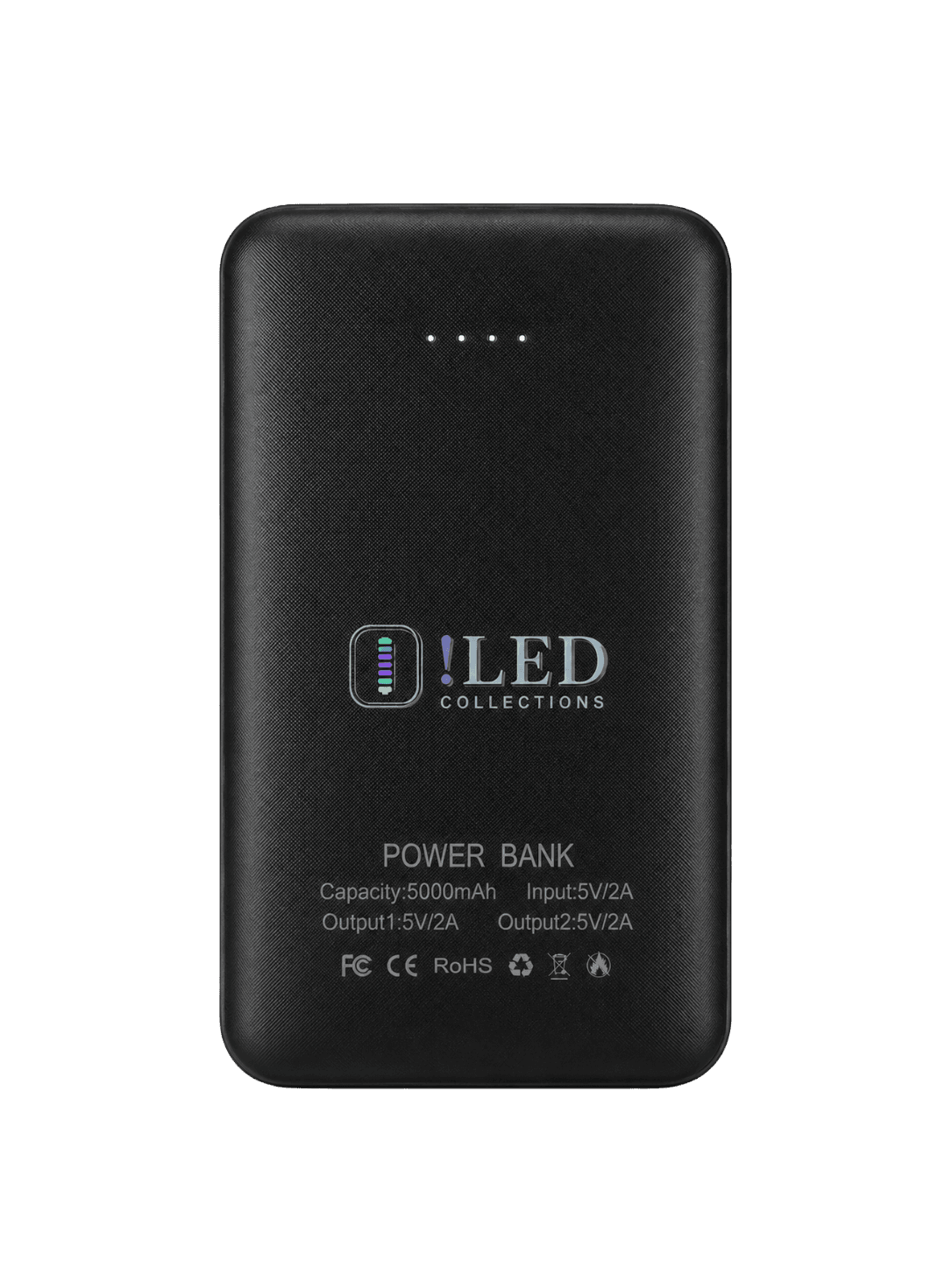
Your bag needs a USB power bank to light up - it isn't included. Add ours so it works out of the box.
This bag turns your look into a moving display.
- Night riders
- Moto & cycling
- Cosplay
- Festivals & raves
- Content creators
- Streetwear
- Anybody, honestly
Five steps from box to lit.
- 01
Plug in your powerbank
Use any USB-C or USB-A powerbank you already own. We recommend 5V / 2A or higher for full brightness.
- 02
Pair over Bluetooth
Power on the panels, open the iLED app, and tap pair. The connection is one-time - the bag remembers your phone.
- 03
Open the iLED app
Browse the built-in animation library, upload your own GIFs and pixel art, or type a live message to display.
- 04
Pick a look
Choose a ready-made effect, drop in your own design, or set up a playlist of animations that loop on schedule.
- 05
Wear it. Light up the night.
Ride, stream, perform, or just walk to dinner. Your bag is now a screen and your phone is the brush.